Node.js
[node js] nodejs 시작, 로컬호스트 서버 돌려보기
uni_i
2021. 3. 17. 19:16
* 윈도우 유저임.
1. node js 시작하기
먼저 visual studio code 프로그램에 들어가서 터미널 창을 킨다.
1) npm init 입력
2) 대충 엔터s
3) 완료 되면, 가장 기본이 될 index.js 파일 추가하기
4) npm install express --save (node js의 프레임워크인 express 깔기)
2. 서버 돌릴 준비하기
1) index.js파일에 아래 코드 입력
const express = require('express')
const app = express()
const port = 5000

app.get('/', (req, res) => {
  res.send('Hello World!')
})

app.listen(port, () => {
  console.log(`Example app listening at http://localhost:${port}`)
})
2) package.json 파일의 "scripts"안에 "start" : "node index.js" 입력

3) 터미널에 npm run start 입력
// npm run 명령어 = 명령어에 해당하는 것 실행 (여기선 node index.js)
4) 웹에서 http://localhost:5000 들어가보기
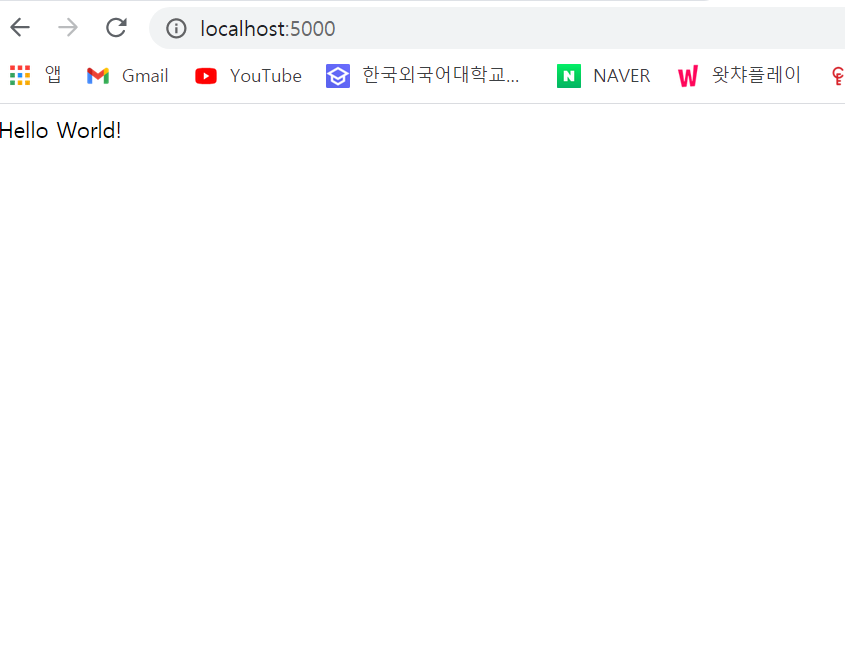
간단하게 완료 끝~!~!~!